1) Teams: This will allow you to filter/narrow down the result set of users belong to selected team only.
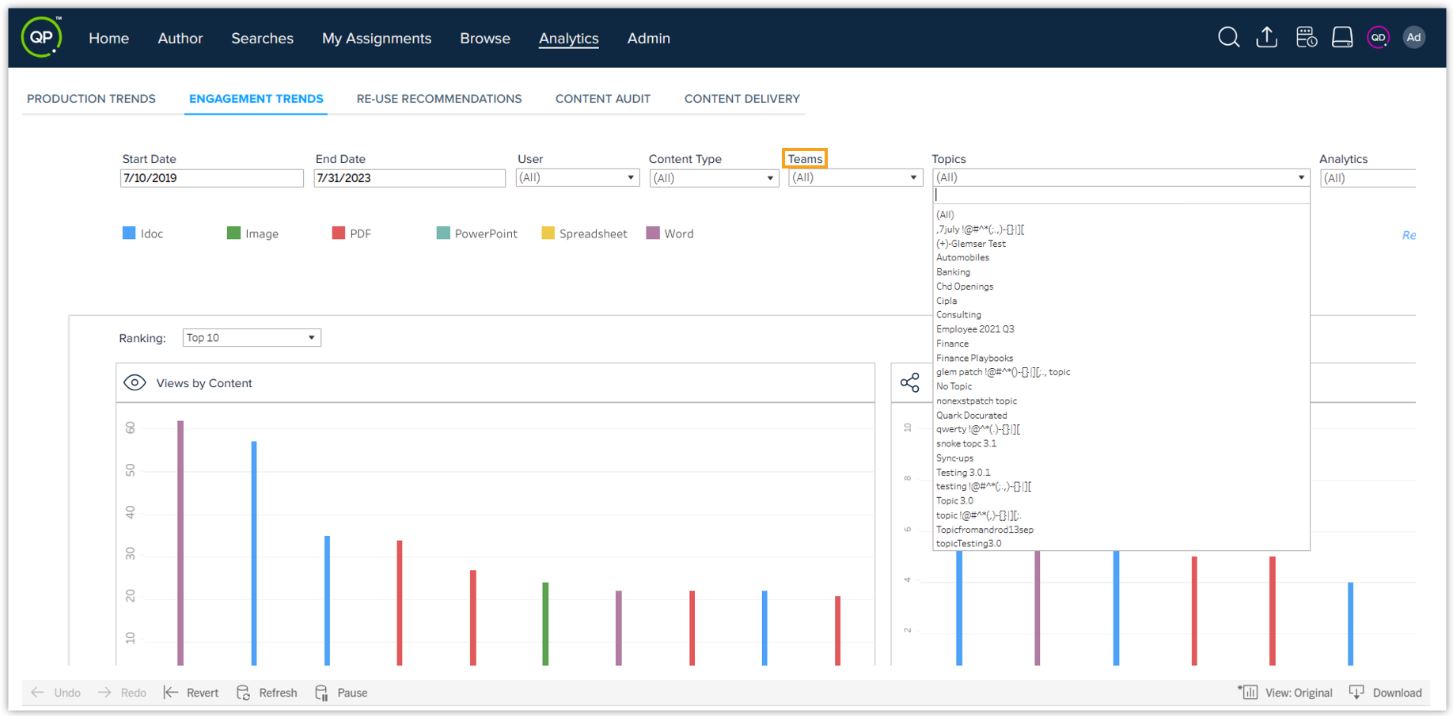
2) Topics: This will allow you to filter/narrow down the result set w.r.t documents part of selected topic only.
3) Analytics: This will allow you to filter the engagement trends in two ways – internally and externally.
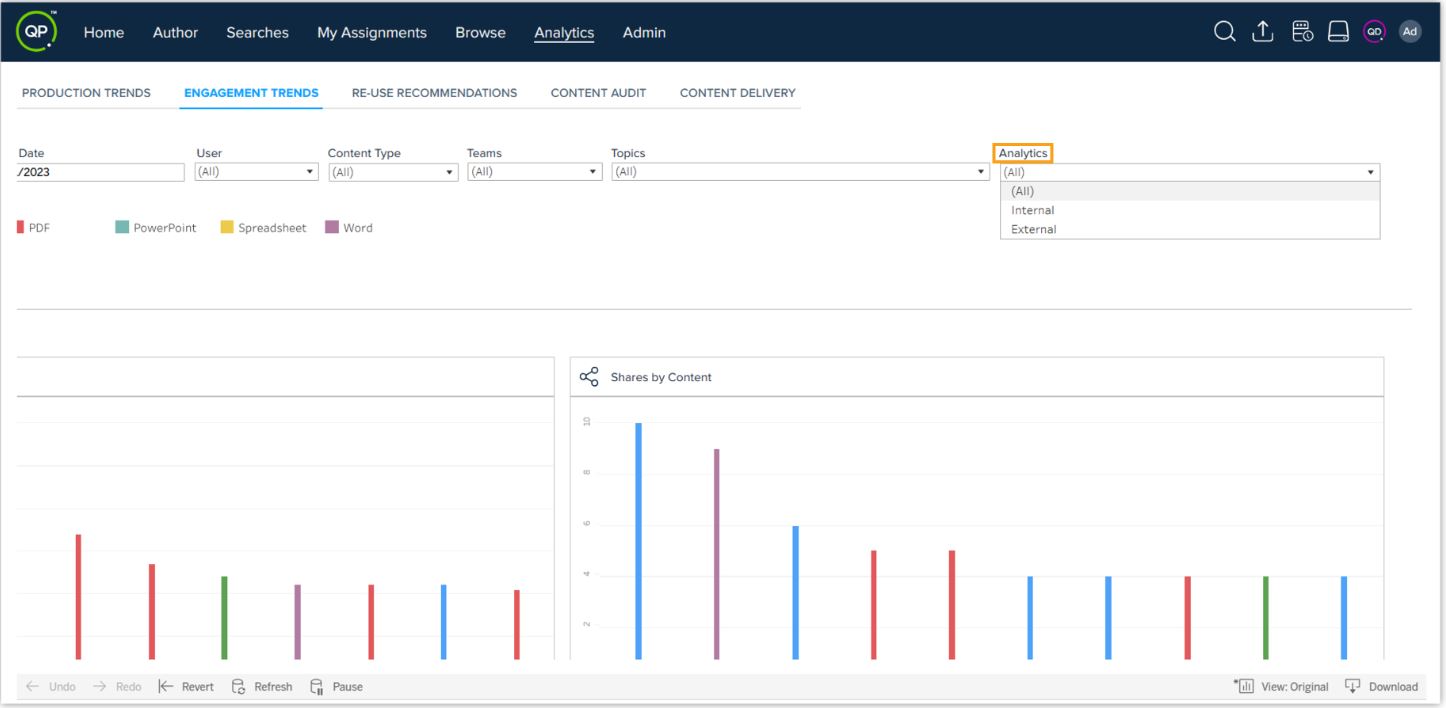
- External analytics will show you the results w.r.t engagements made externally, i.e., activities (views/downloads/shares) performed via an external shareable link.
- Internal analytics will show you the results w.r.t engagements made internally, i.e., activities (views/downloads/shares) within the Docurated platform.
Priyanka Bhotika
Comments