Solution:
QPP NextGen provides an option to check the analytics of the sections. You can view the section analytics at the following places on the user interface (given you have already taken an iDoc output of your source document):
- The Trends tab of the Asset Details pane (for the source XML file and iDoc output)
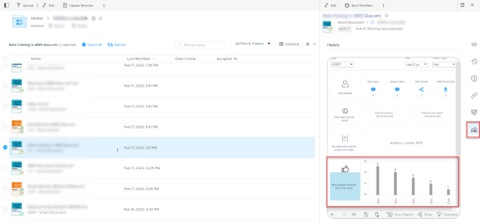
- The Trends tab of the App panes in the content editor (for the source XML file only)
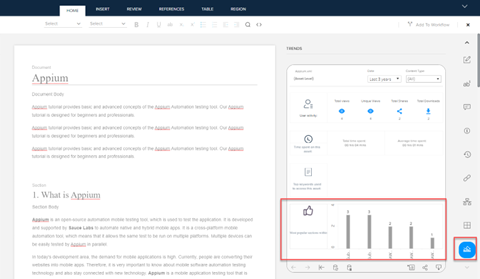
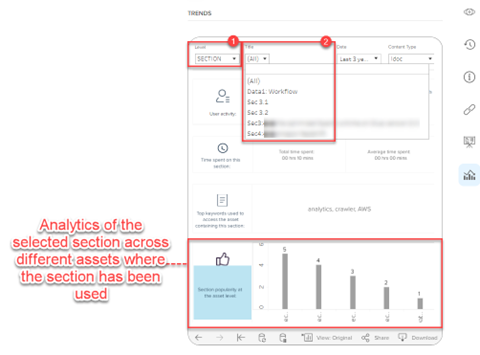
You can also get the detailed section level analytics (where QPP NextGen displays the section analytics across different assets the selected section has been used) by one of the following ways:
- Select the Section under the Level dropdown menu in the Trends tab and then select a section title.
 '
'
- Select the section in the navigation pane in the content editor
Priyanka Bhotika
Comments