Product: Quark Publishing Platform (QPP) NextGen
Summary: Below is the explanation of how disabled functionality is working currently on QPP NextGen.
If the user is having "Access" or "Author" Licenses assigned via QPP NextGen: With both licenses user can operate Quark Docurated, but if we "Disable" the user. User will not be able to operate QPP NextGen and Quark Docurated.
Below are the steps to disable the user in QPP NextGen:
- Logon to a QPP NextGen server.
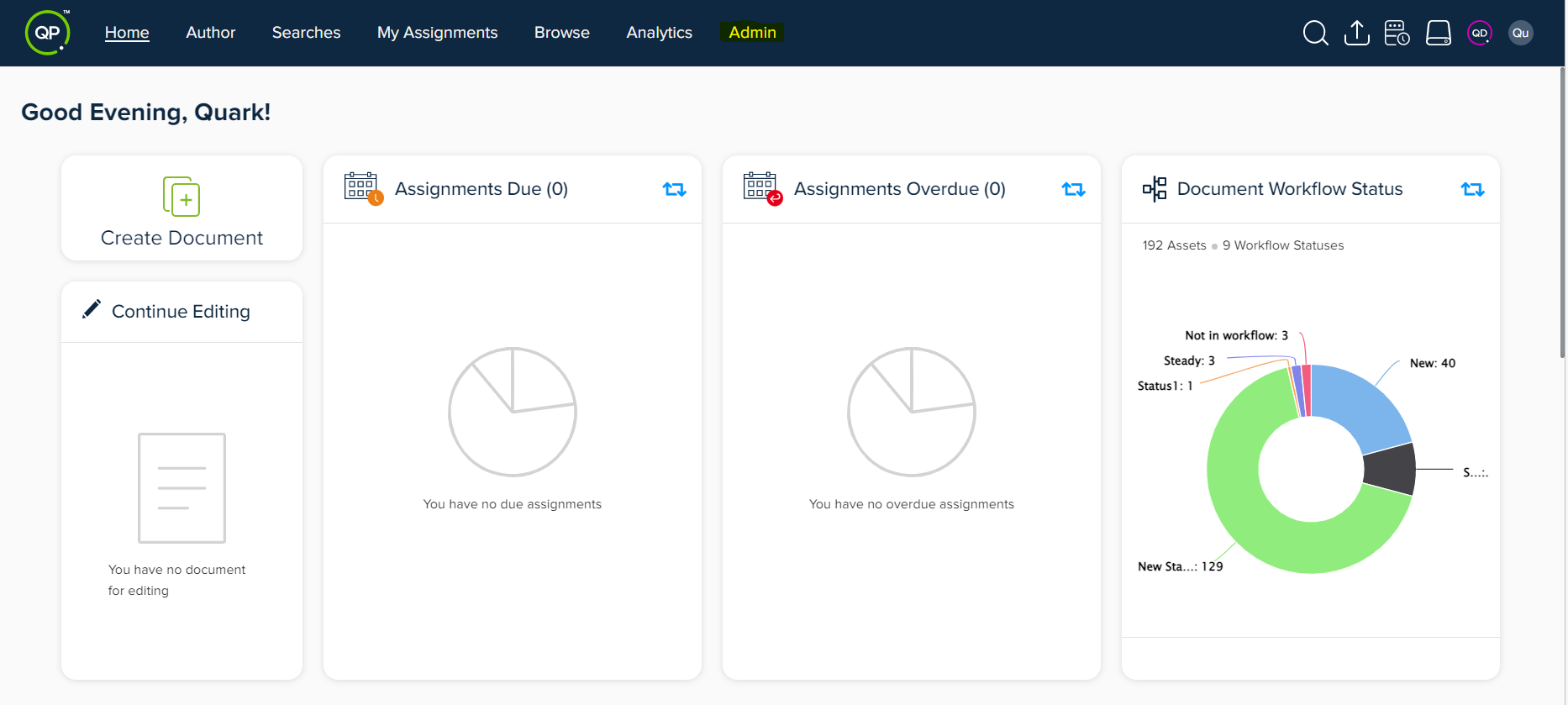
- Navigate to the Admin module through the above top bar of the screen.
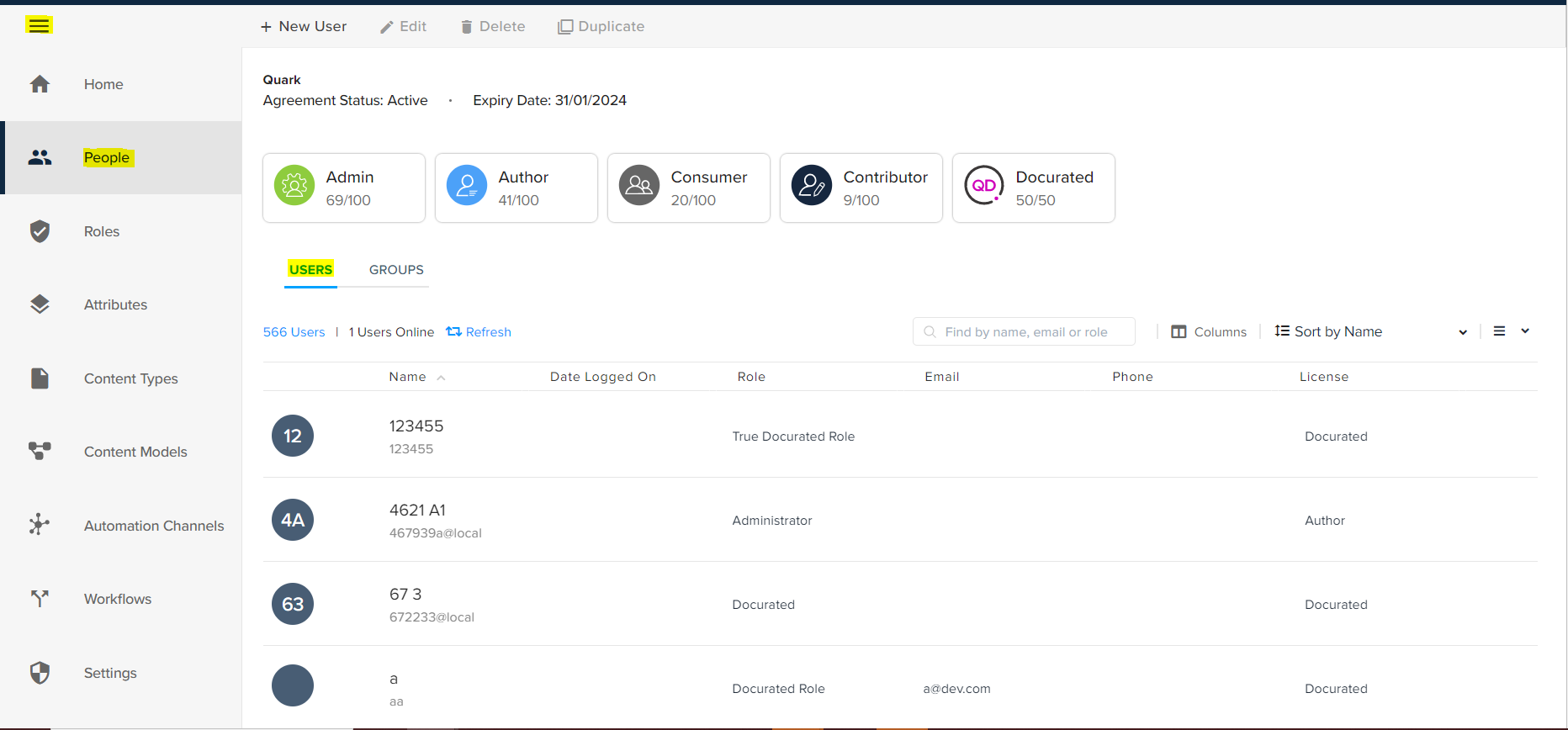
- Click on People section and select the “Users”, you will see the total number of users and the users that are online.
- As shown in the below screenshot, user’s will be listed in the below format.
- Find the user you want to disable and click on the Name and in the side bar top menu check for the "Disable".
- Click on “Disable”.
- Once disabled, the user will not be able to access QPP NextGen as well as Quark Docurated.
- In case you are unable to get the Disable option, means you do not have the privileges to Disable the user.
Priyanka Bhotika
Comments