To configure SAML in QPP NextGen, follow below steps:
- Logon to a QPP NextGen server.
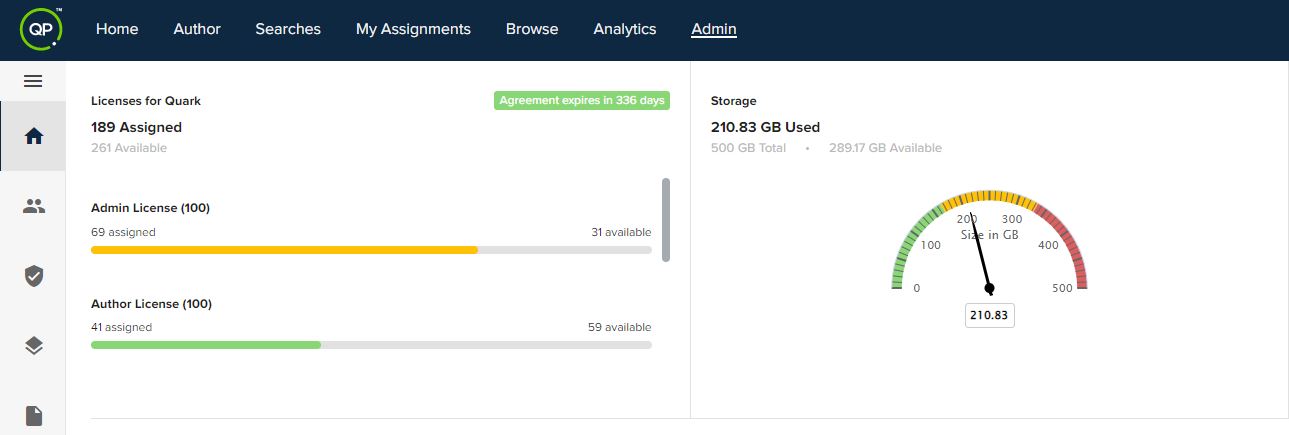
- Navigate to the Admin module through the menu at the top.
- In the Admin Homepage, navigate to the Settings section.
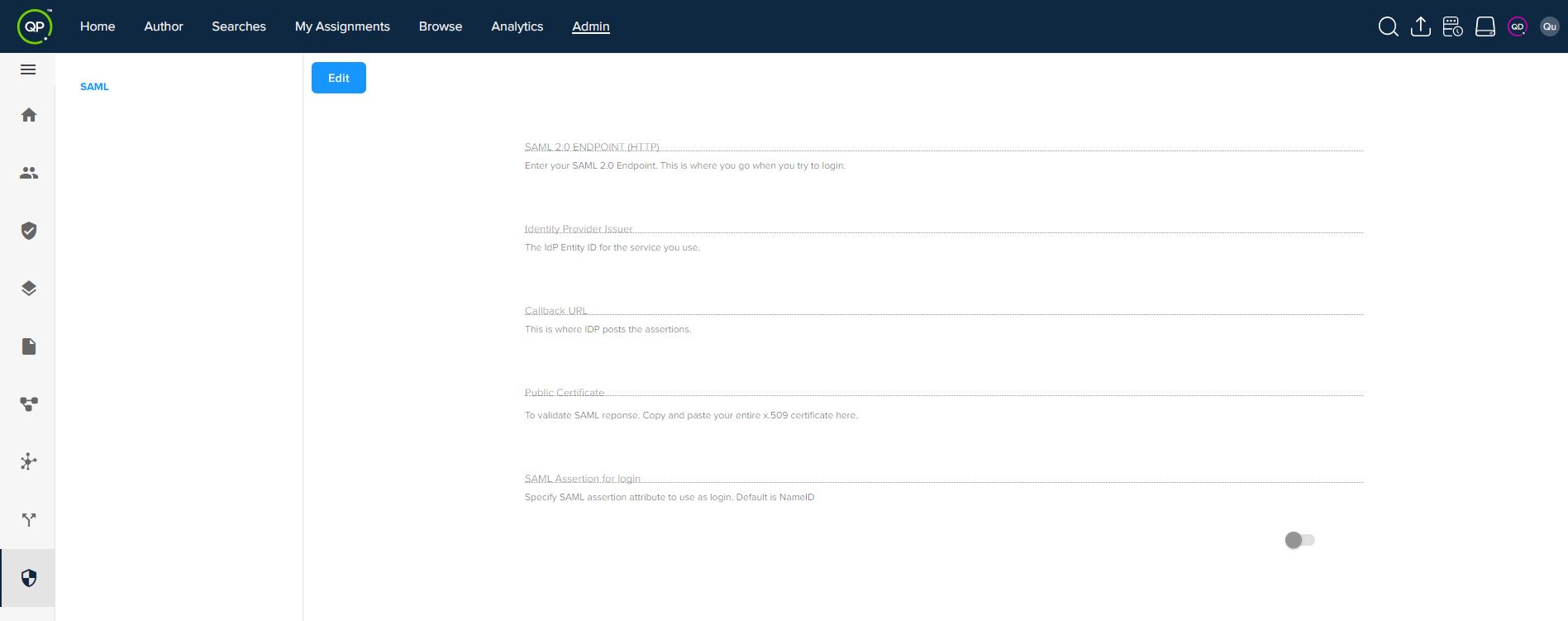
- Below options will allow you to configure the SAML in QPP NextGen Admin console.
- SAML 2.0 ENDPOINT (HTTP): Allows you to add your IDP (Identification Provider) address that gets a response from the server.
- Identity Provider Issuer: A unique key that allows you to identify the identity provider on the server.
- Callback URL: Allows the system to send requests to access Quark applications from a machine.
- Public Certificate: Allows the system to receive encrypted data from the server and then to decrypt data at the user end.
- SAML Assertion for login: Allows you to choose attributes that are used universally within an organization.
Priyanka Bhotika
Comments