You can find the option to create a new Content type in QPP NextGen admin console. To create a new content type:
- Logon to a QPP NextGen server.
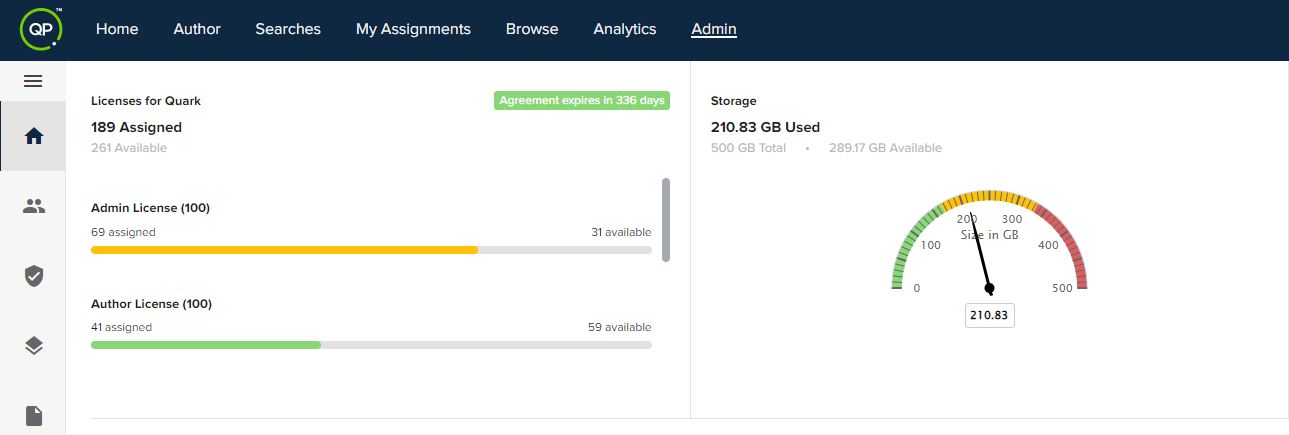
- Navigate to the Admin module through the menu at the top.
- In the Admin Homepage, navigate to the Content Type section, select the category of which you want to create a new content type.
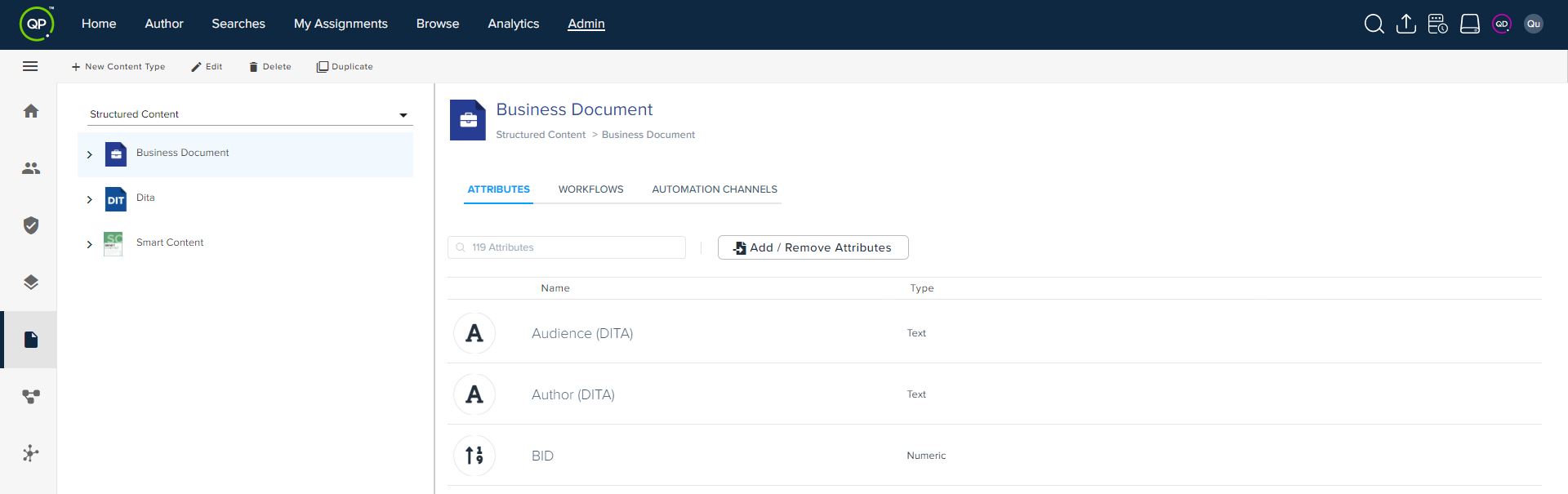
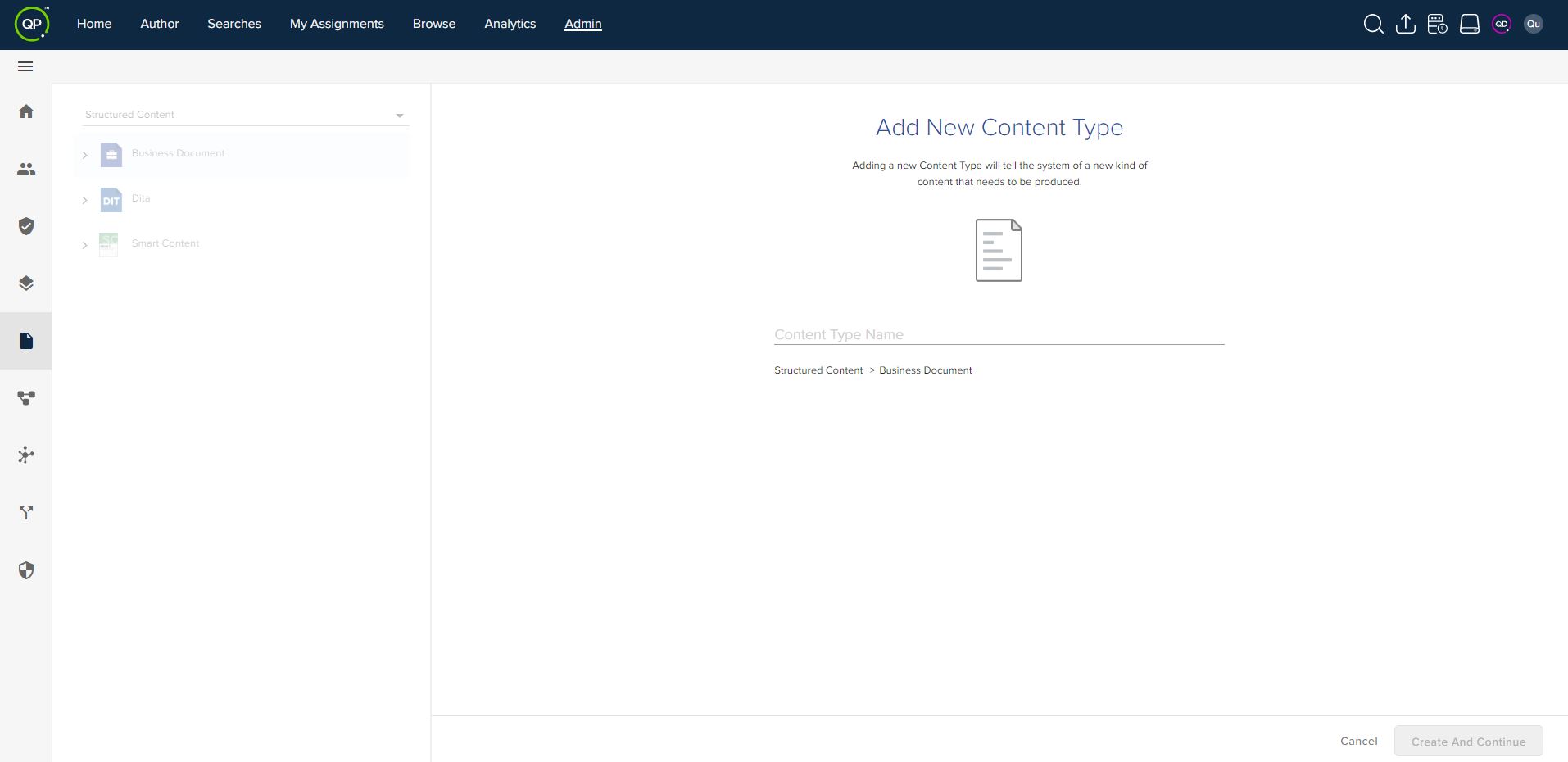
- In the top bar actions, select the button + New Content Type to open the Add New Content Type pane.
- In the Add New Content Type pane, enter the name of the content type and then click the button Create and Continue.
- The Admin module creates a new content type and assigns the same properties (attributes, workflows, and automation channels) as the parent content type.
Priyanka Bhotika
Comments