Roles allow you (administrator) to manage which permissions are to be given to specific users or groups on the server.
Follow the below steps to add a new role:
-
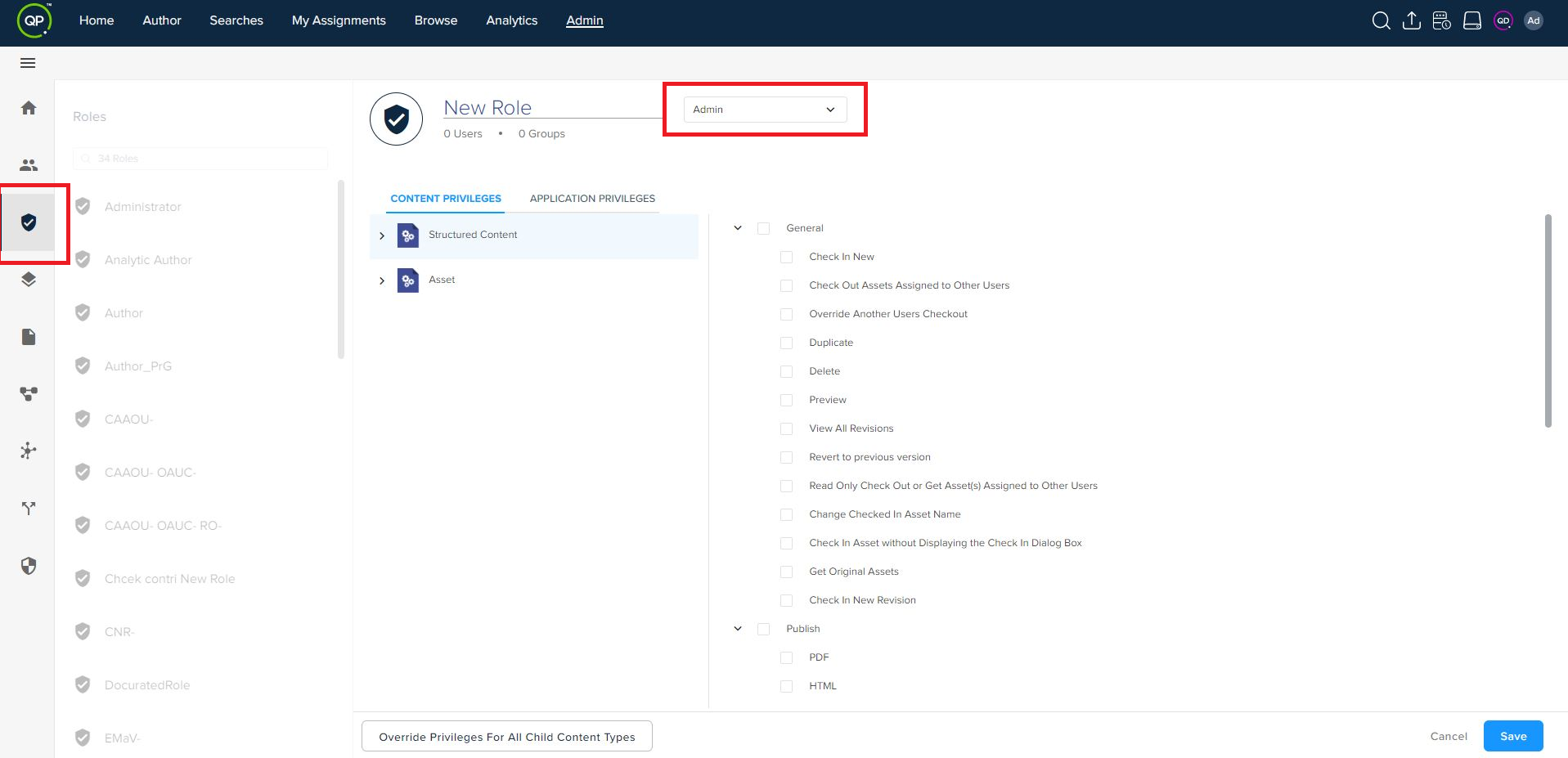
Go to the roles tab inside bar menu and click on the + New Role button from the top bar actions.
-
Select a content type and license type.
-
Set the required privileges.
-
Click on the Save button.
Priyanka Bhotika
Comments