This option allows you to add a new user to the server.
Follow the below steps to add a new user:
-
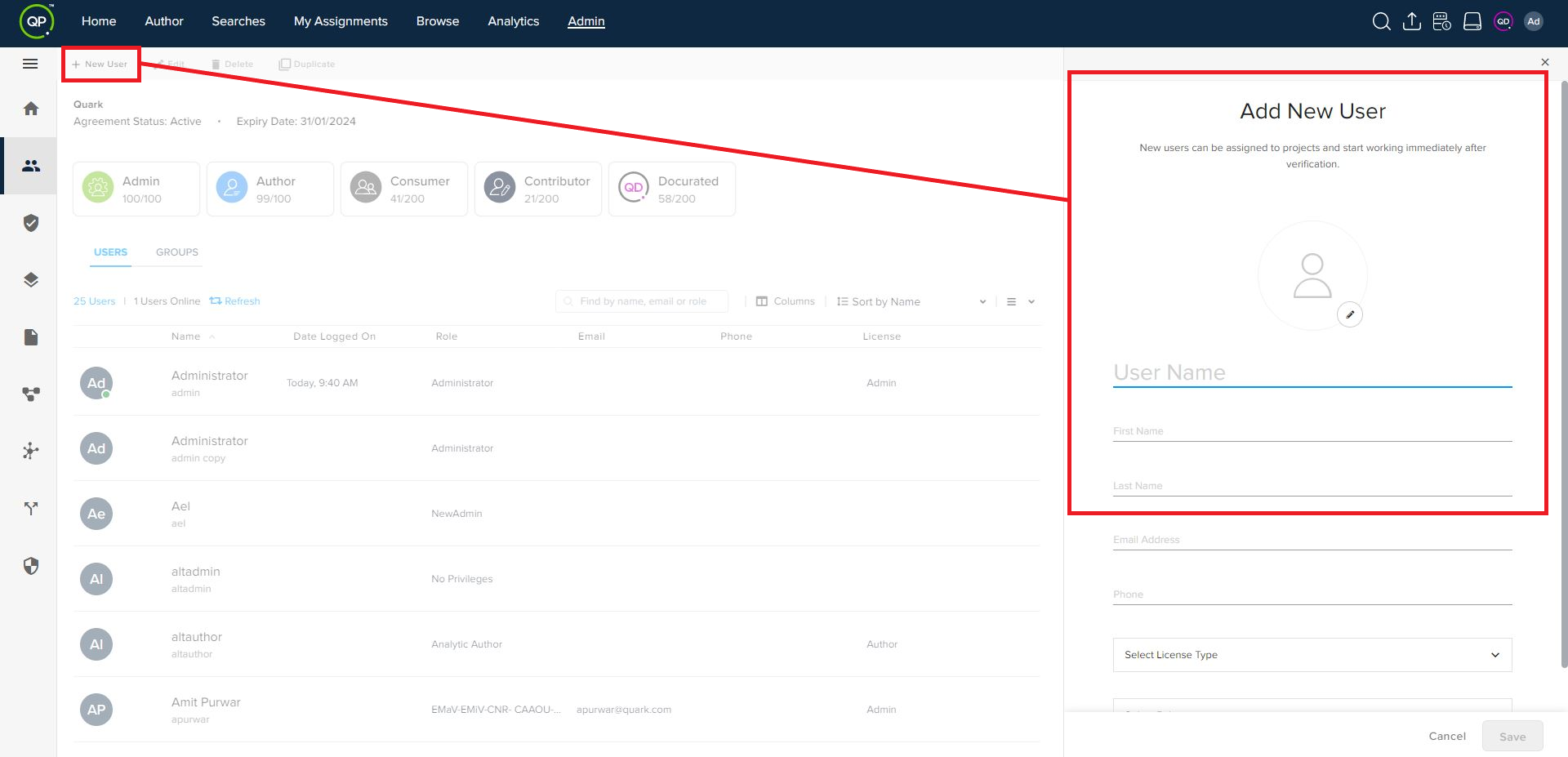
Under the Users tab of the People pane, click the + New User at the top of the bar to open the Add User pane.
-
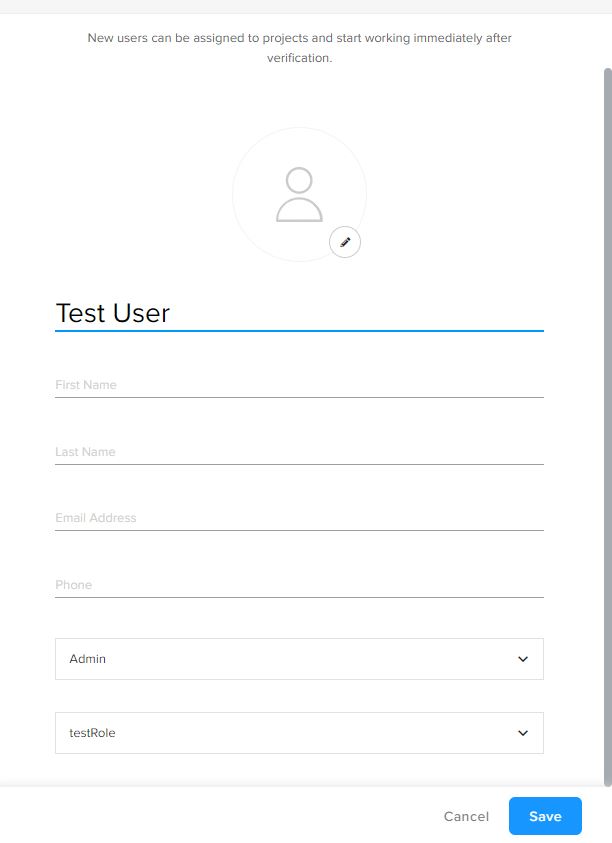
In the Add User pane, add an image, enter a username, first name, last name, email, phone, and then select a license type and privilege for the user.
- Click on Save to create the user.
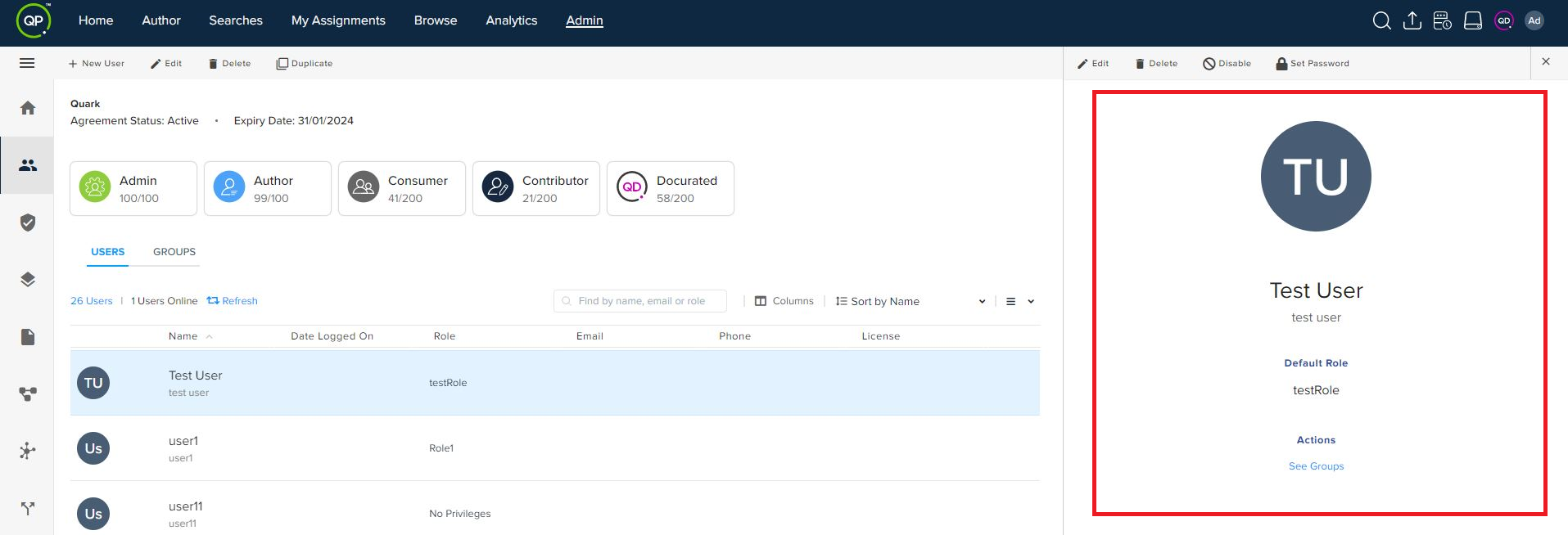
- Once you have created a user, the Admin module displays the user overview in the User Details pane, from where you can also manage groups for the user.
Priyanka Bhotika
Comments