This option allows you to create a new collection based on a collection template on the server.
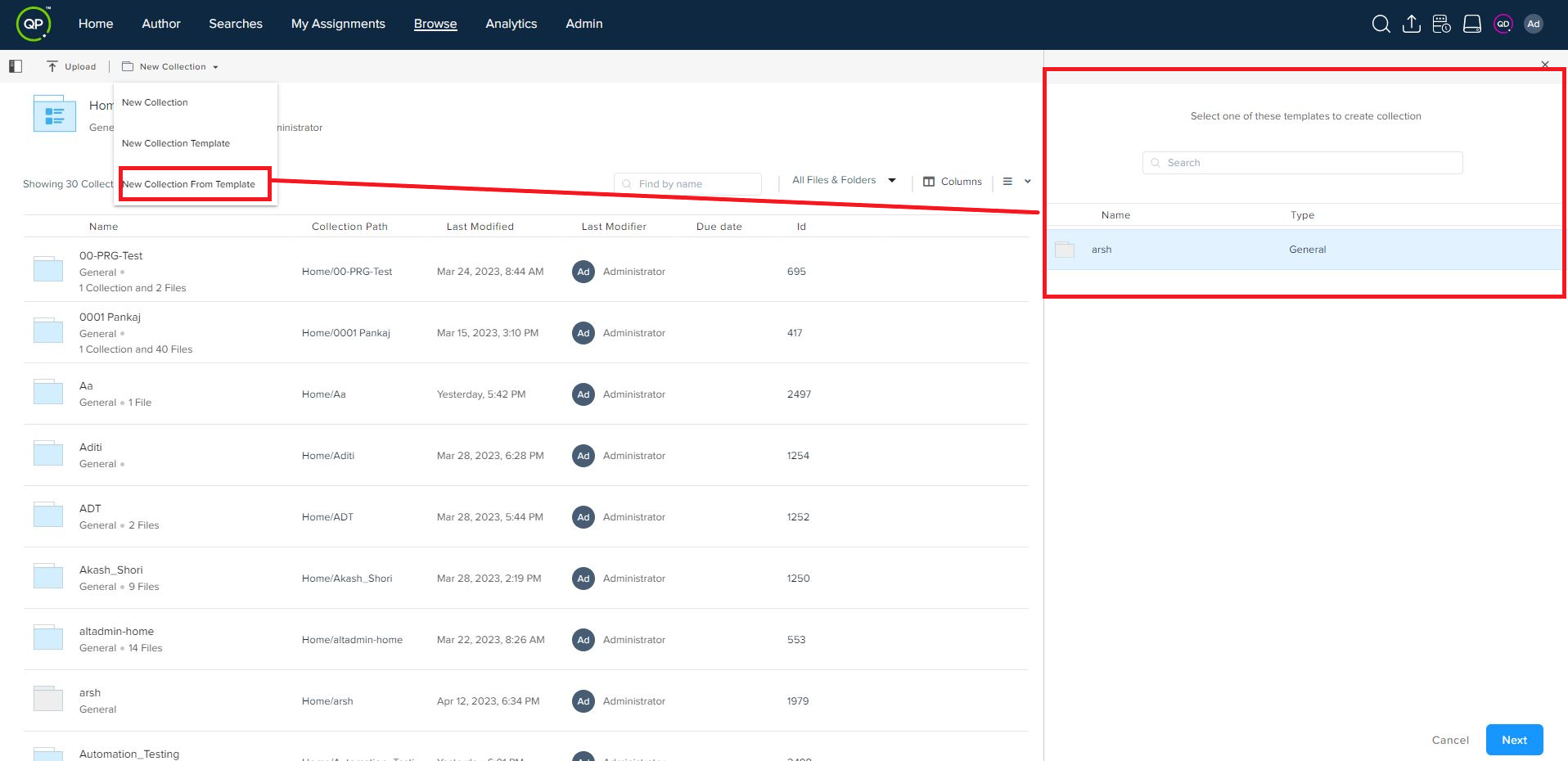
Below are the steps to create a new collection from the template in the browse section of the workspace:
-
Select the template in the Add New Collection from Template pane from which a user wants to create a new collection.
-
Click on the Next button.
-
Enter a new name for the collection and then click on Add Collection button.
Priyanka Bhotika
Comments