To view a collection's properties, follow the below steps:
-
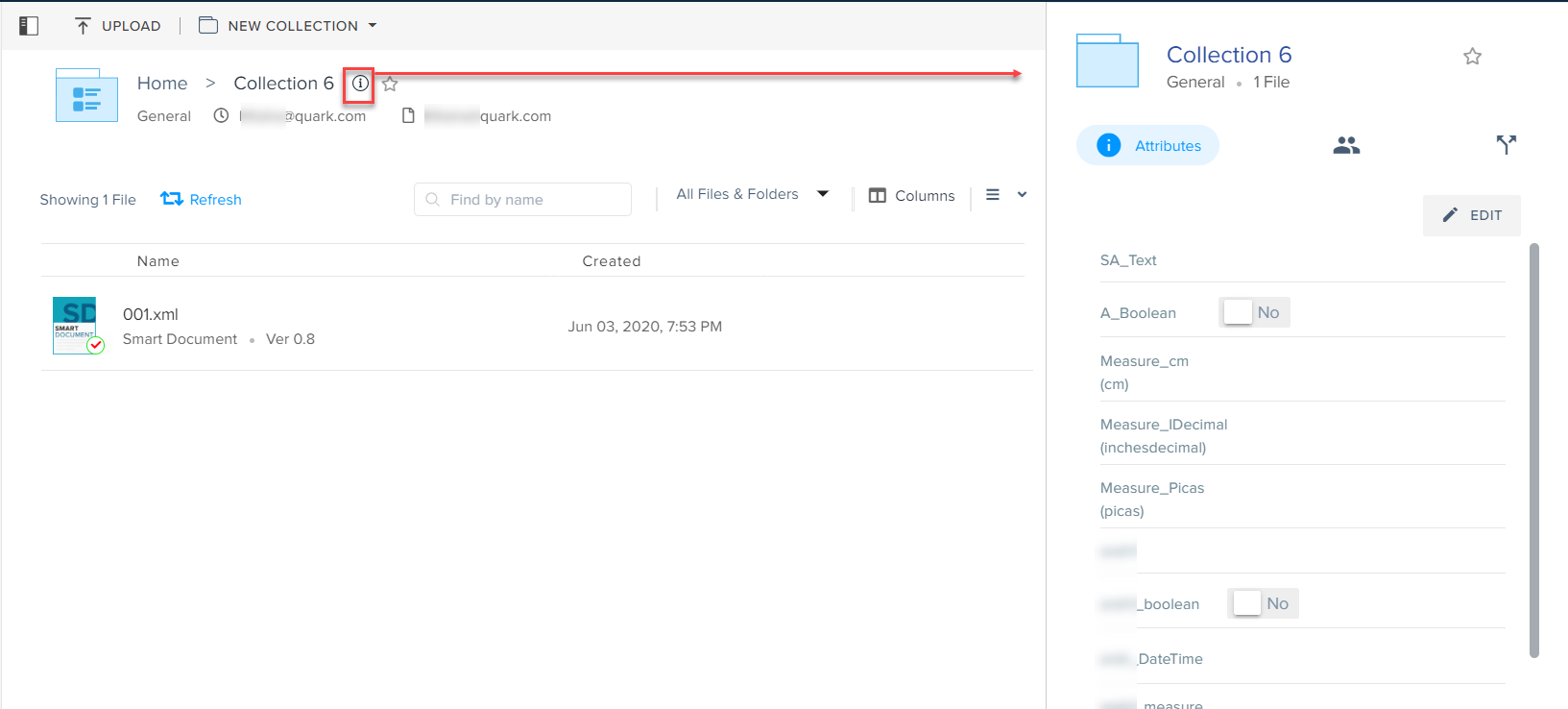
Select the properties icon
 next to the collection name to open the Collection Details pane.
 -
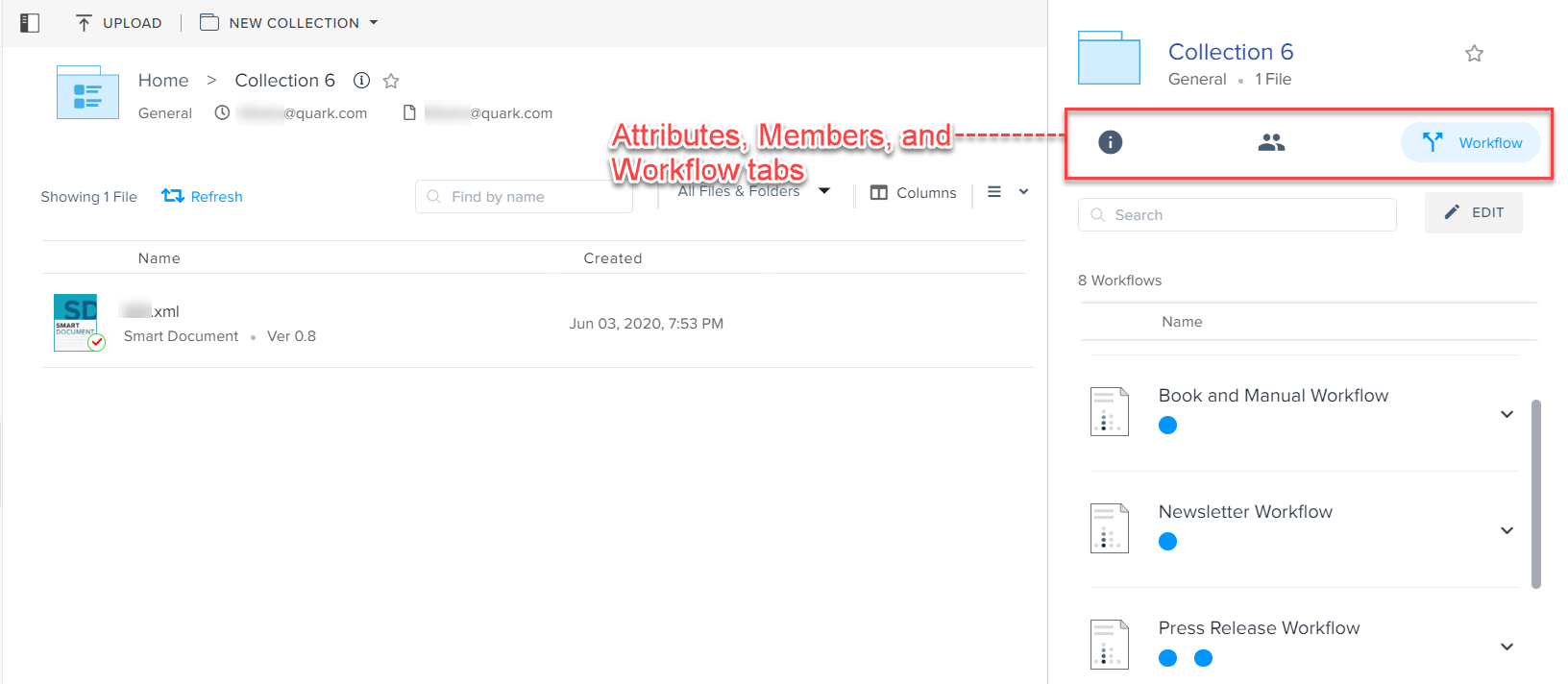
Switch between the Attributes, Members, and Workflow tabs to view the list of attributes of the collection, members (or user groups) who have access to the collection, and all the workflows applied across all the assets in the collection.
You can also search for an attribute, member, or workflow by name through the Search tool within the Collection Details pane.
To edit a collection's properties, follow the below steps:
-
In the Collection Details pane, select a tab (Attributes, Members, or Workflows) for which you want to edit a property.
-
Select the Edit button.

-
Change an attribute or add/remove a member/user group or workflow based on the tab you are in.

-
Select the Save button .
You can also apply the changes you make to the members and workflows of a collection to the children collections.
Priyanka Bhotika
Comments