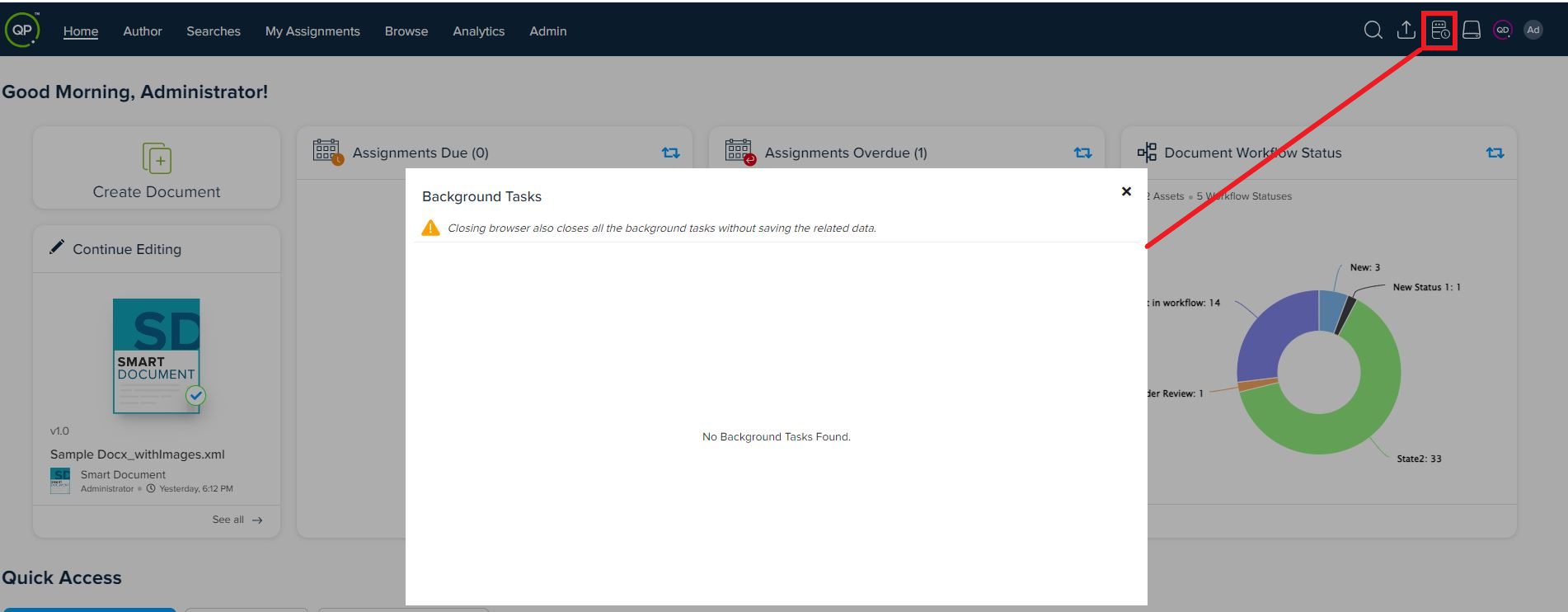
Solution: QPP NextGen also lets you see if there are any background tasks (such as a search query being exported, an asset is being published, a translation is in progress, and so on) that are currently running. Below are the steps to check:
- Login to QPP NextGen
- Go to QPP NextGen Workspace
- You can see the background through the icon
 at the upper-right corner of the screen.
Priyanka Bhotika
Comments