Product: Quark Publishing Platform (QPP) NextGen
Login to a QPP NextGen server, follow the below steps:
-
Enter the URL of the server in a browser (for example, https://<SERVER-URL>/auth/login) to open the login page.
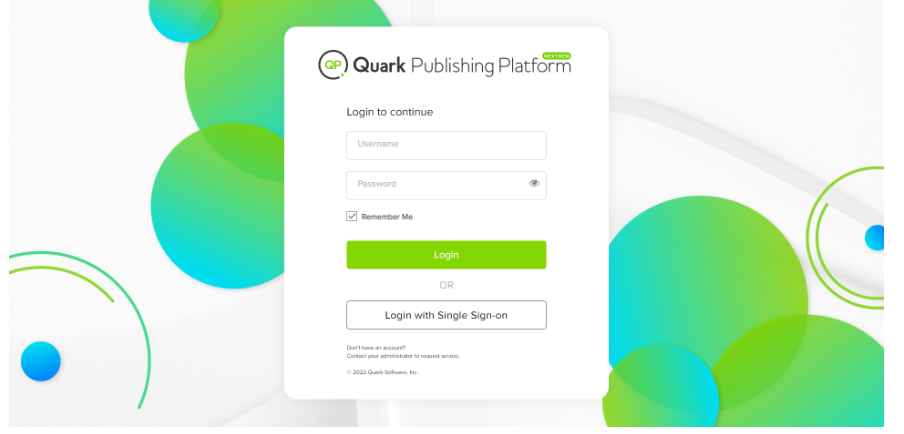
2. Enter your username and password then select Login.
a.) Select the checkbox Remember Me to allow QPP NextGen to automatically log you in the next time you visit the server URL.
Note: For QPP NextGen servers that use Lightweight Directory Application Protocol (LDAP) to manage user lists, you have to log in with your network username and password.
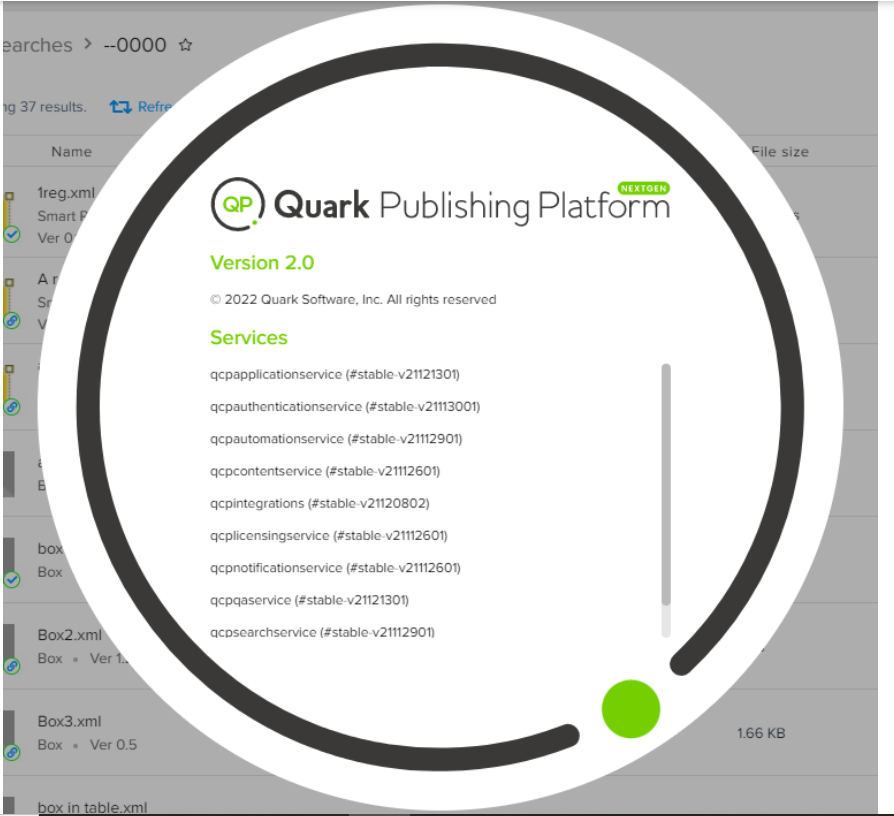
3. Once you are logged in, the following are the steps to view the version of QPP NextGen:
i) Select the profile picture/user avatar at the upper right corner (irrespective of the module - Author, Workspace, or Admin).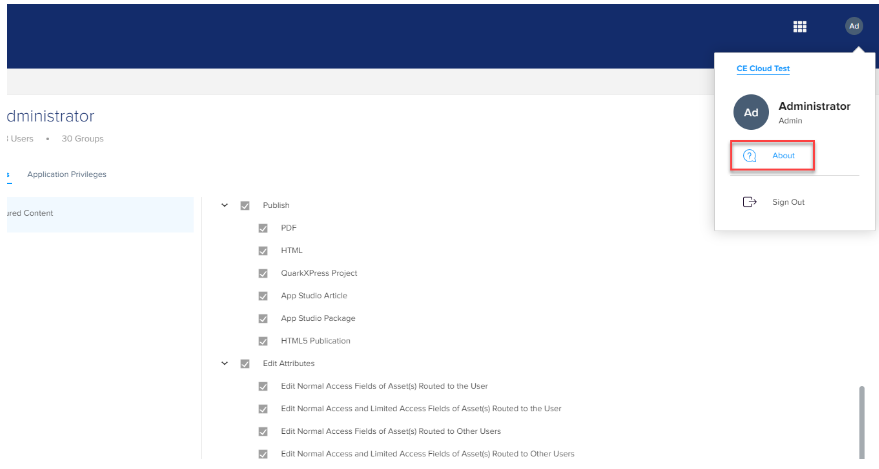
ii} Select About to see the version details.
Note: When you are logged in but are idle for more than 30 minutes, QPP NextGen automatically logs you out. However, before logging you out, QPP NextGen displays a pop-up for a minute to inform you that you have been idle.
Priyanka Bhotika
Comments