Introduction
Welcome to the Knowledge Base for QPP NextGen! In this article, we’ll educate you about the enhanced preview pane in QA (Quark Author) and QXA (Quark XML Author), our powerful document editors. This enhancement is designed to provide you with a clear understanding of the preview generation process, making it easier and more intuitive to review your documents before publishing.
Overview
The preview pane in our document editors (QA & QXA) is an essential tool that allows you to review your documents before publishing. To enhance your experience, we’ve introduced a visual progress indication system that guides you through the stages of preview generation. This KB article will help you understand each stage involved, ensuring you can make the most out of this enhancement.
The Four Stages of Preview Generation
When generating a preview from any of the following interfaces—Workspace, Quark Author (QA), or Quark XML Author (QXA)—you’ll now see a progress bar that displays the completion percentage and the current stage of the preview process.
The four distinct stages into which the preview generation process is divided are:
- Preparation
- Pre-publishing
- Generation
- Finalization
Preparation
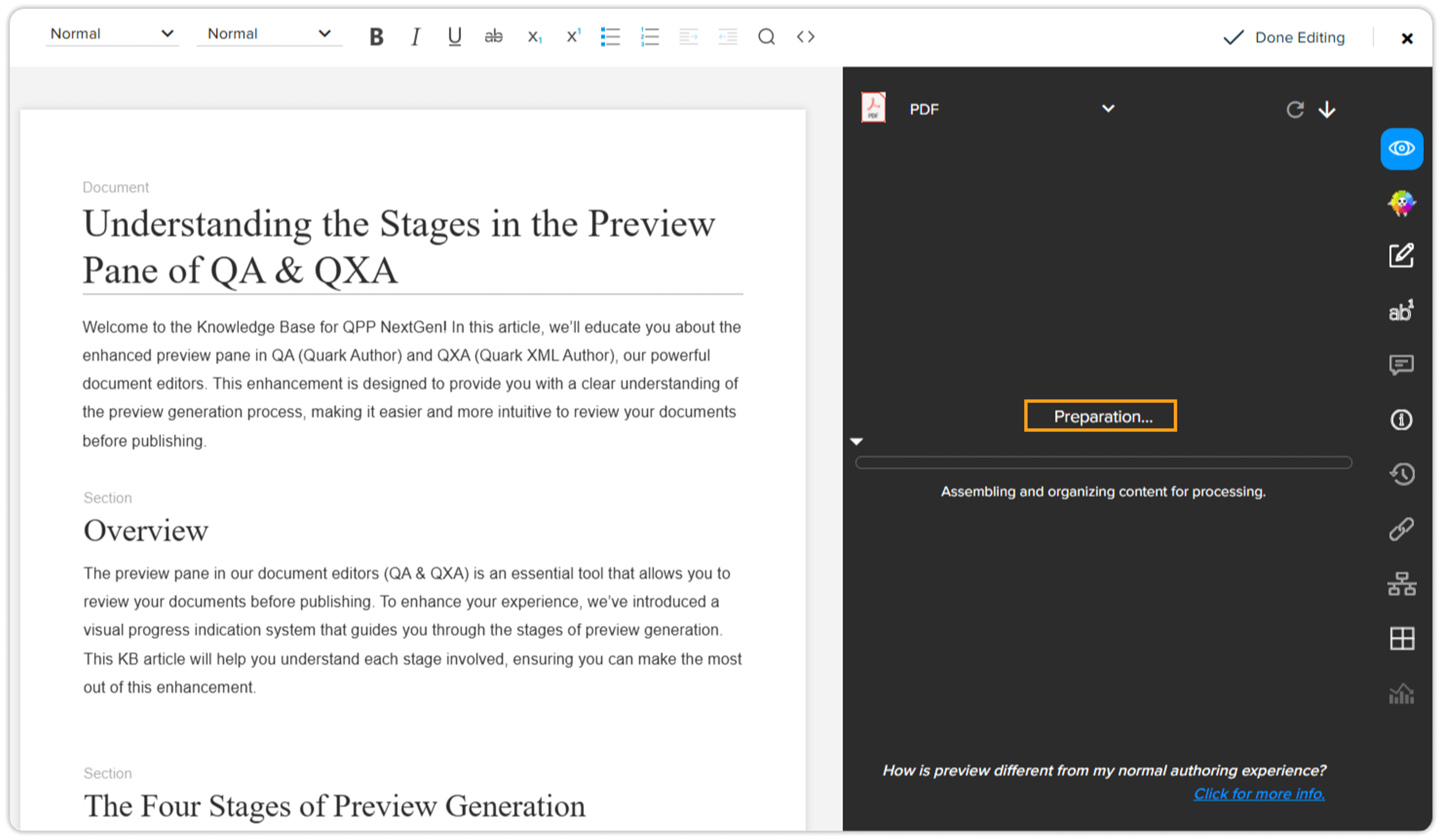
- Purpose: The Preparation stage gathers all necessary resources and elements needed for your document.
- What Happens: The system collects data, images, styles, and other components required to create the document preview.
- User Benefit: Understanding this stage can help you optimize your document setup, ensuring that all necessary elements are correctly in place for an accurate preview.
Pre-publishing
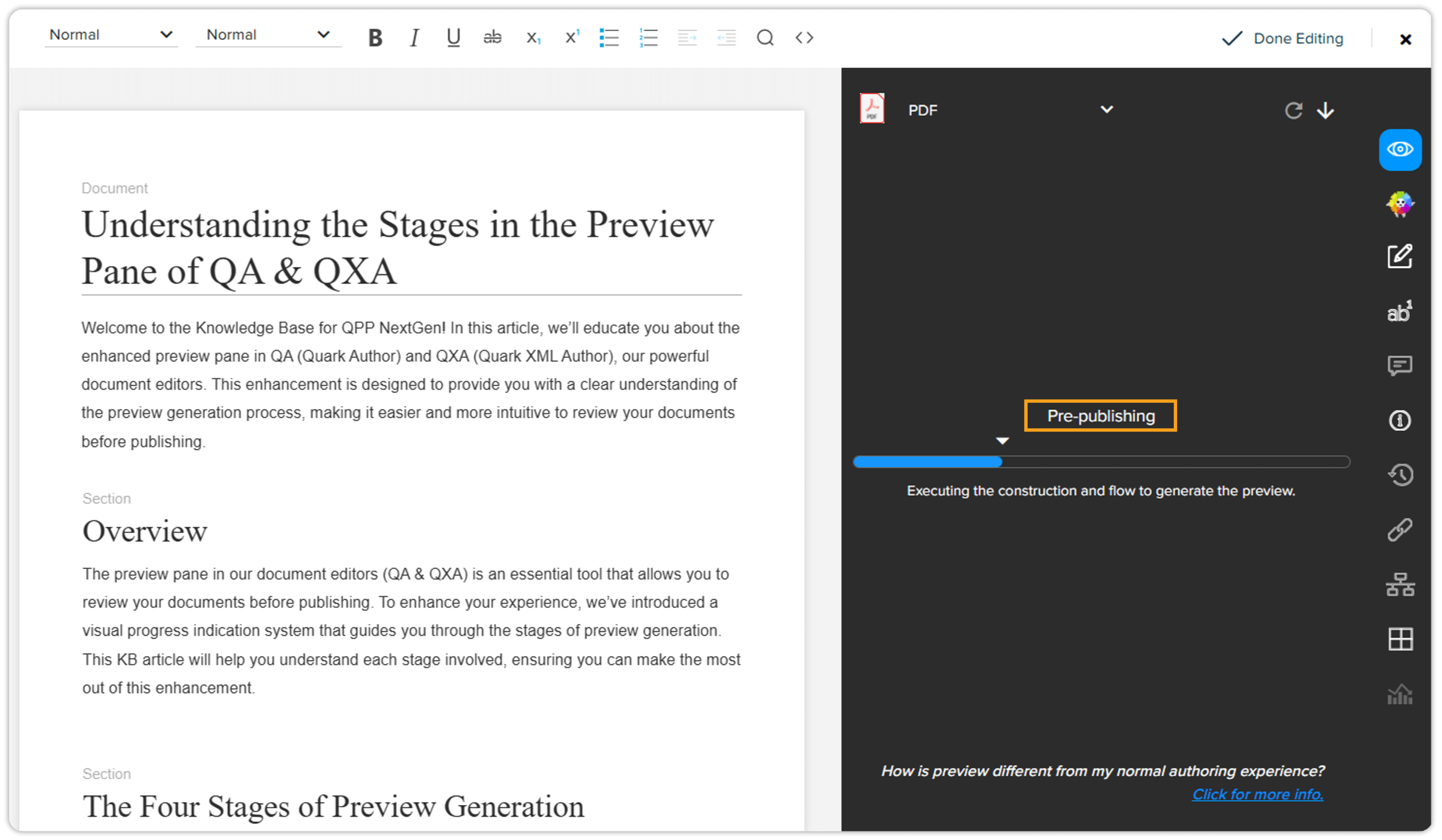
- Purpose: The Pre-publishing stage processes the document, applying transformations, formatting, and layout adjustments.
- What Happens: The system ensures that the document is in the correct format and ready for preview by handling all the necessary transformations and adjustments.
- User Benefit: Knowing about this stage helps you understand how your document's formatting and layout are meticulously prepared, ensuring the preview accurately reflects the final output.
Generation
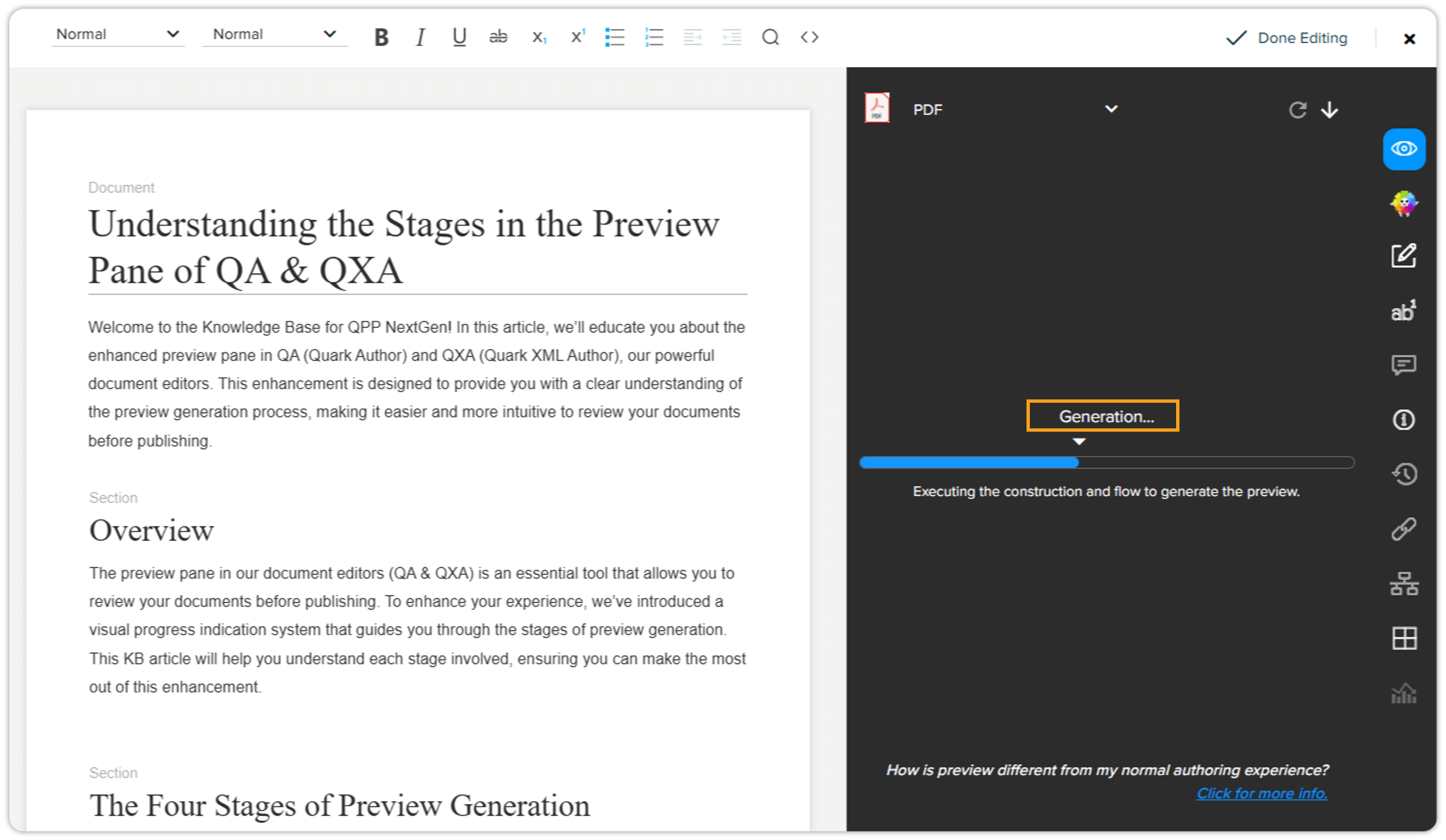
- Purpose: The Generation stage generates the actual preview of the document.
- What Happens: The system compiles all the processed information into a preview format that can be displayed.
- User Benefit: This stage highlights the importance of compiling and rendering all elements together, giving you confidence that the preview is a true representation of the final document.
Finalization
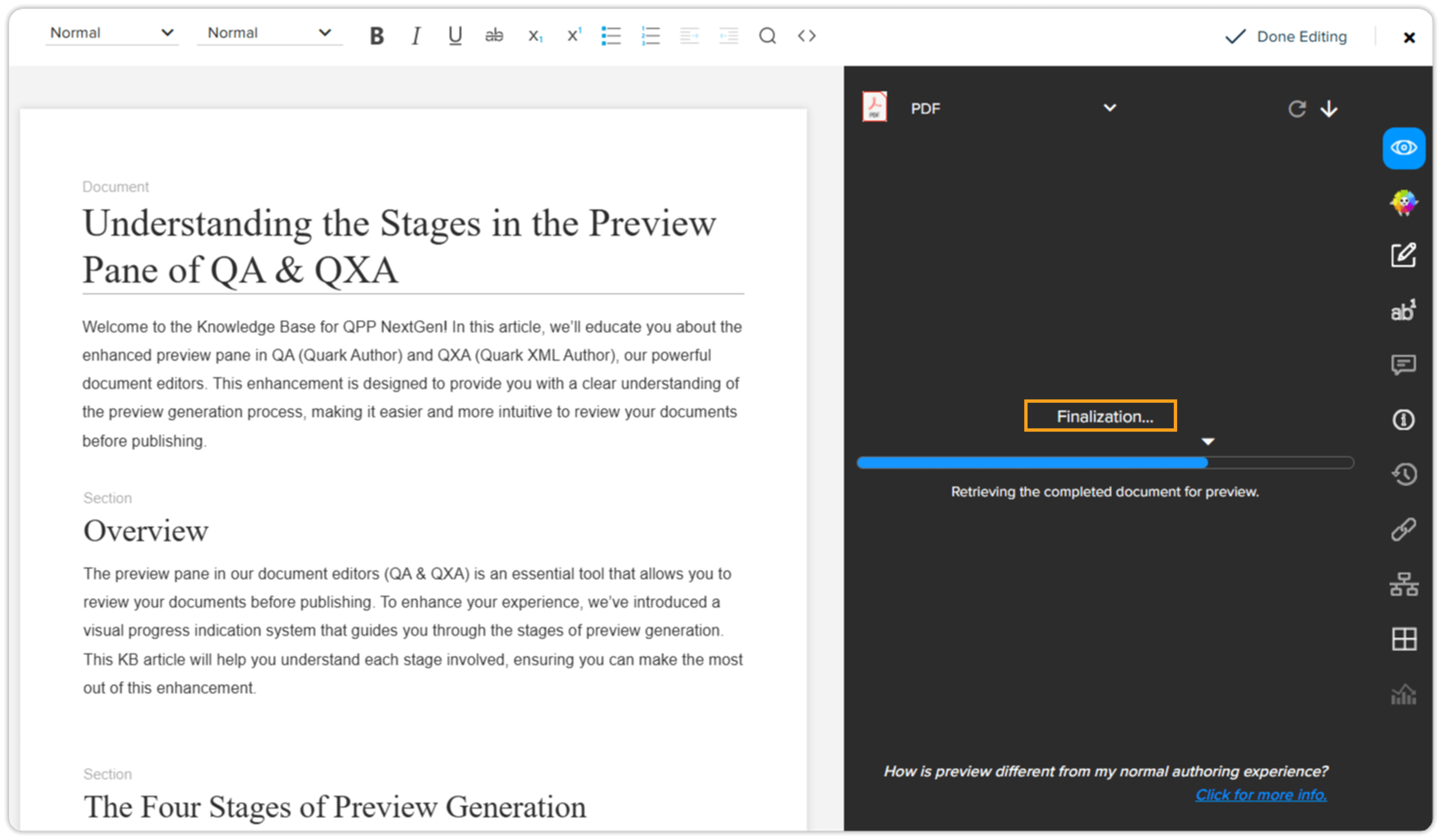
- Purpose: The Finalization stage performs final checks and adjustments to ensure the preview is accurate and complete.
- What Happens: The system ensures that all elements are correctly displayed, and any final tweaks are made before presenting the preview to you.
- User Benefit: Understanding this stage reassures you that the preview has undergone thorough checks, making it a reliable representation of the final document.
Not Just a Simple Preview
The preview generated in QA & QXA is more than just a simple preview; it’s a comprehensive and accurate representation of your final published document. All formatting, styles, images, and other elements will appear exactly as they’ll in the published version. This ensures that what you see in the preview is precisely what’ll be published, giving you confidence in the quality and accuracy of your content.
Benefits of Understanding the Stages
- Improved Usability: By understanding the stages, you can better navigate the preview generation process.
- Enhanced Clarity: Knowing what happens at each stage helps you track the progress and anticipate any potential issues.
- Increased Efficiency: With clear insights into the process, you can manage your time and expectations more effectively during preview generation.
Conclusion
Understanding the stages involved in the preview generation process in Quark Author and Quark XML Author helps you make the most of this powerful feature. By providing clear visual indications of each stage, we aim to enhance your overall user experience and efficiency in document creation and review.Frequently Asked Questions (FAQs)
Ques: Is this a new feature?Ans: No, this’s an enhancement to the existing preview pane functionality, designed to improve usability and clarity.
Ques: Will this affect the time it takes to generate a preview?
Ans: No, the enhancement is purely visual and doesn’t impact the actual time required to generate a preview.
Ques: Can I revert to the old preview pane?
Ans: The enhancement is integrated into the system to provide a better user experience, and reverting to the old version is not supported.
Ques: Where can I find the progress bar?
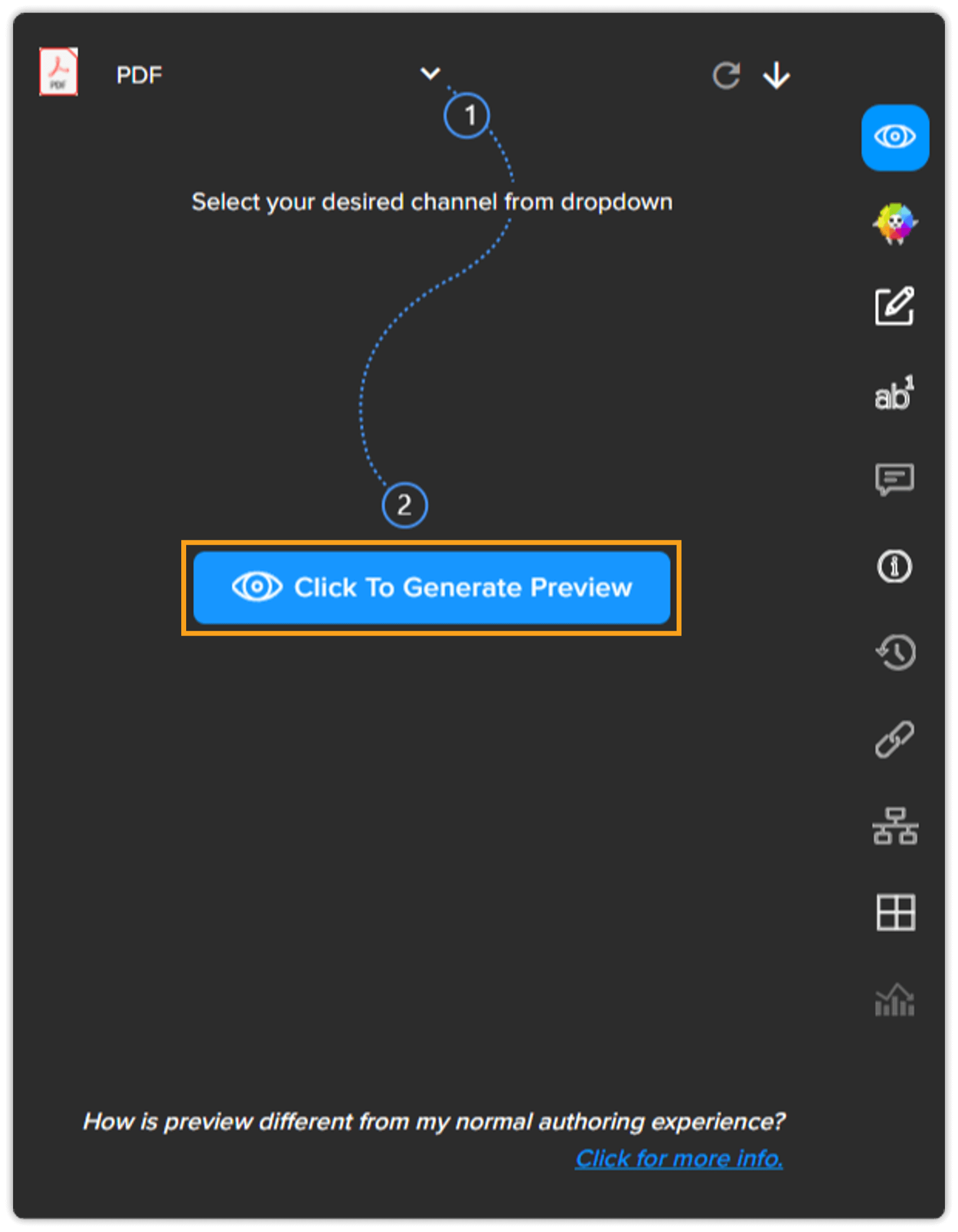
Ans: The progress bar is visualized in the preview pane upon clicking the "Click to Generate Preview" button. The preview pane can be accessed while creating or editing documents in Quark Author and Quark XML Author.
We hope you find this information helpful! Thank you for using QPP NextGen. If you have any questions or need further assistance, please feel free to contact our support team.
Priyanka Bhotika
Comments