To assign a document to another user from within the Quark Author's canvas:
- In Quark Author's toolbar, select the button Change Workflow (Add to Workflow, for new documents) to open the Workflow pane.
- In the Workflow pane, select the Assign To icon button
to expand the list of users who have access to your document.
Note: For new documents, to enable the Assign To icon button, you must first assign a workflow and status to your document.
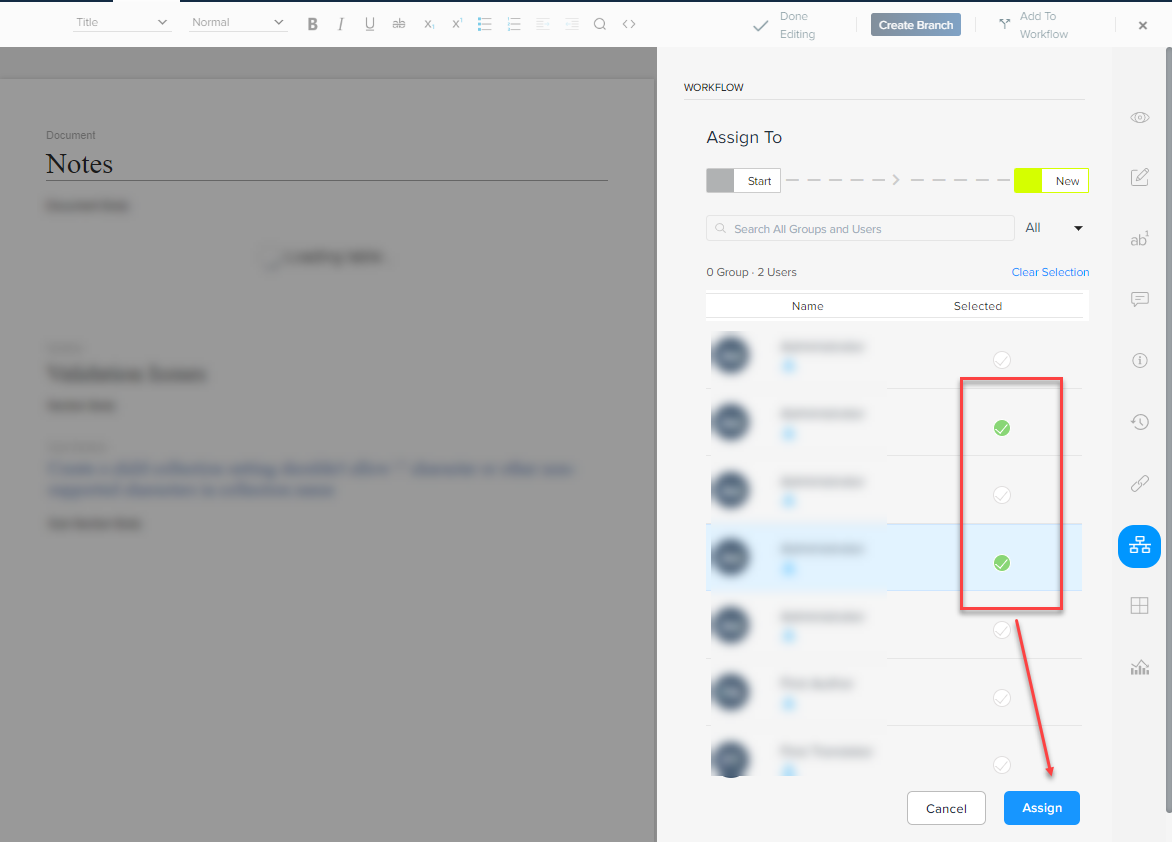
- Select the user(s) to whom you want to assign the document and then select the button Assign.
 Note: You can also assign a document to a group.
- In the Workflow pane, select the button Submit.
Priyanka Bhotika
Comments