Please follow the below steps:
-
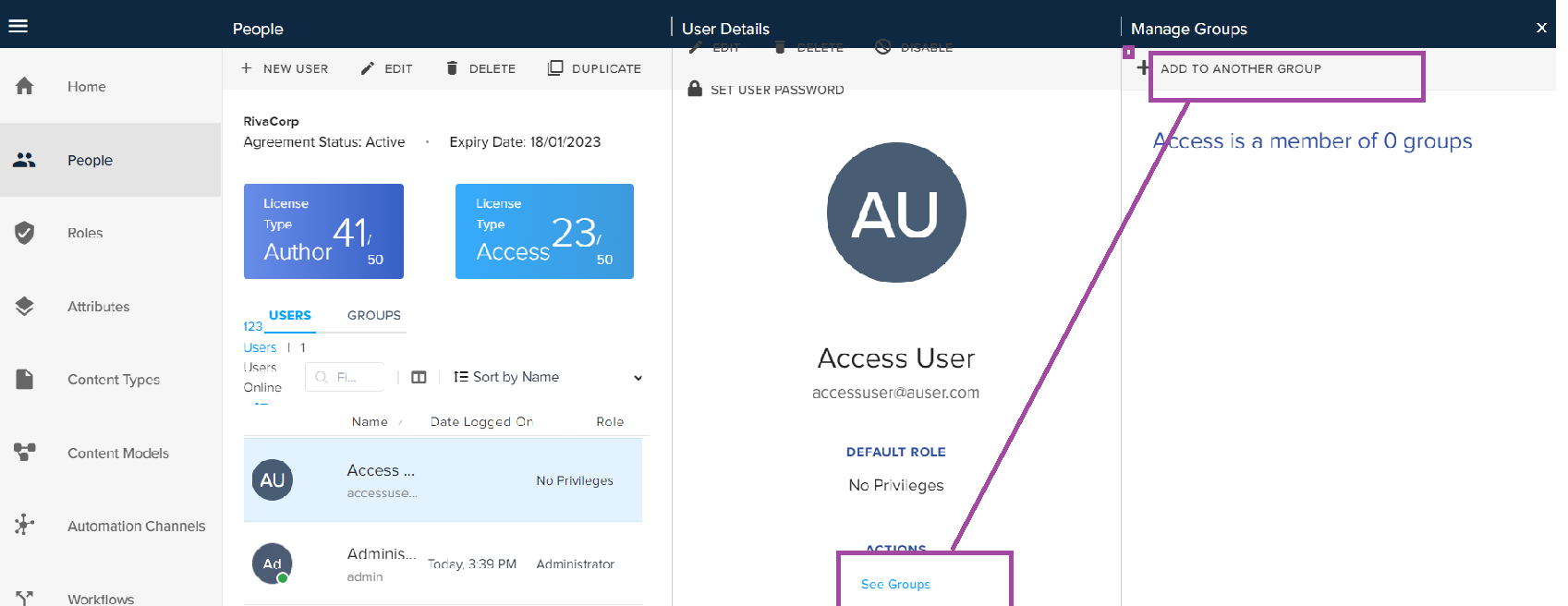
In the User Details pane, select the link See Groups to open the Manage Groups pane.
-
In the Manage Groups pane, click on the Add to Another Group button.
-
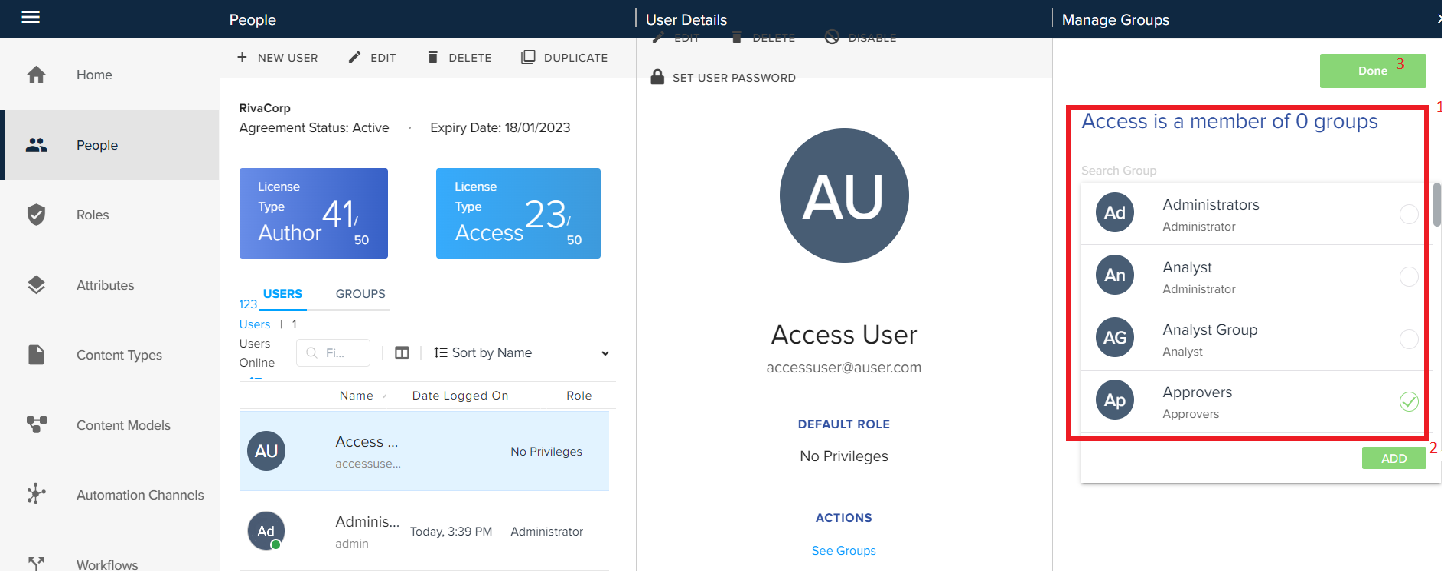
Search and select the group, click Add and then click Done to add the user to the selected group.
-
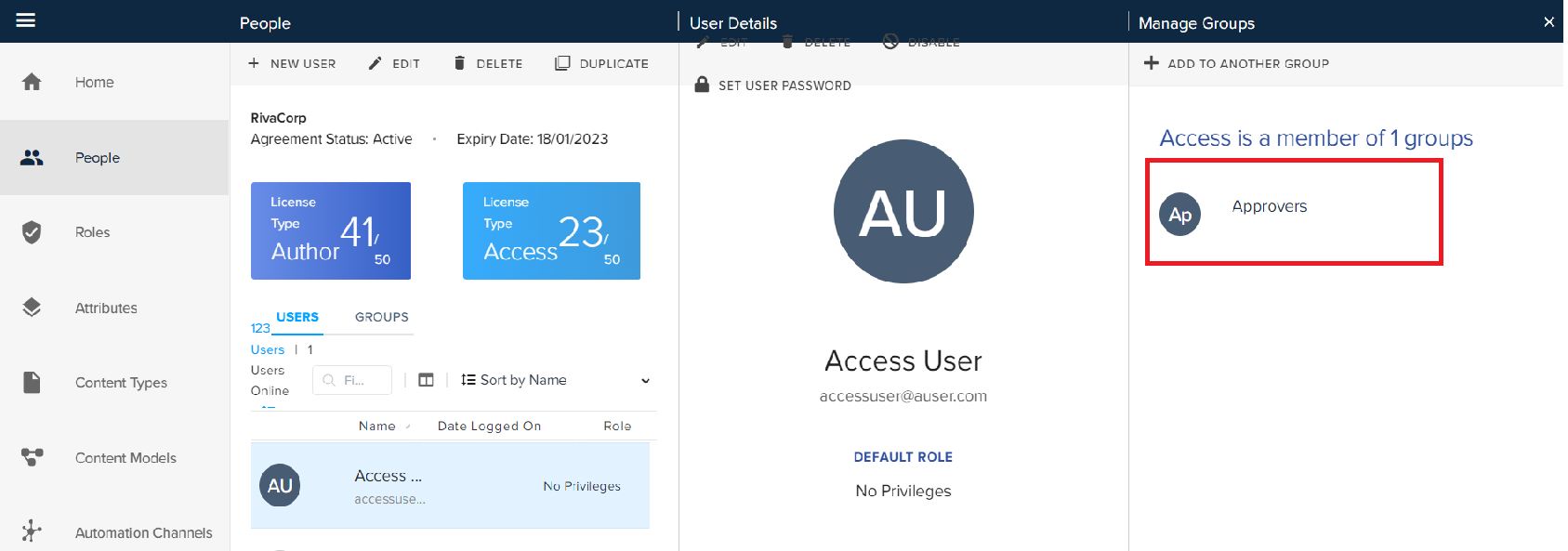
The Admin module lists the added group in the Manage Groups pane for the user.
Priyanka Bhotika
Comments