- Log in to Quark Publishing Platform NextGen with administrative privileges.
- Navigate to the "Admin" tab and click on the "Automation Channel" option in the left navigation pane.
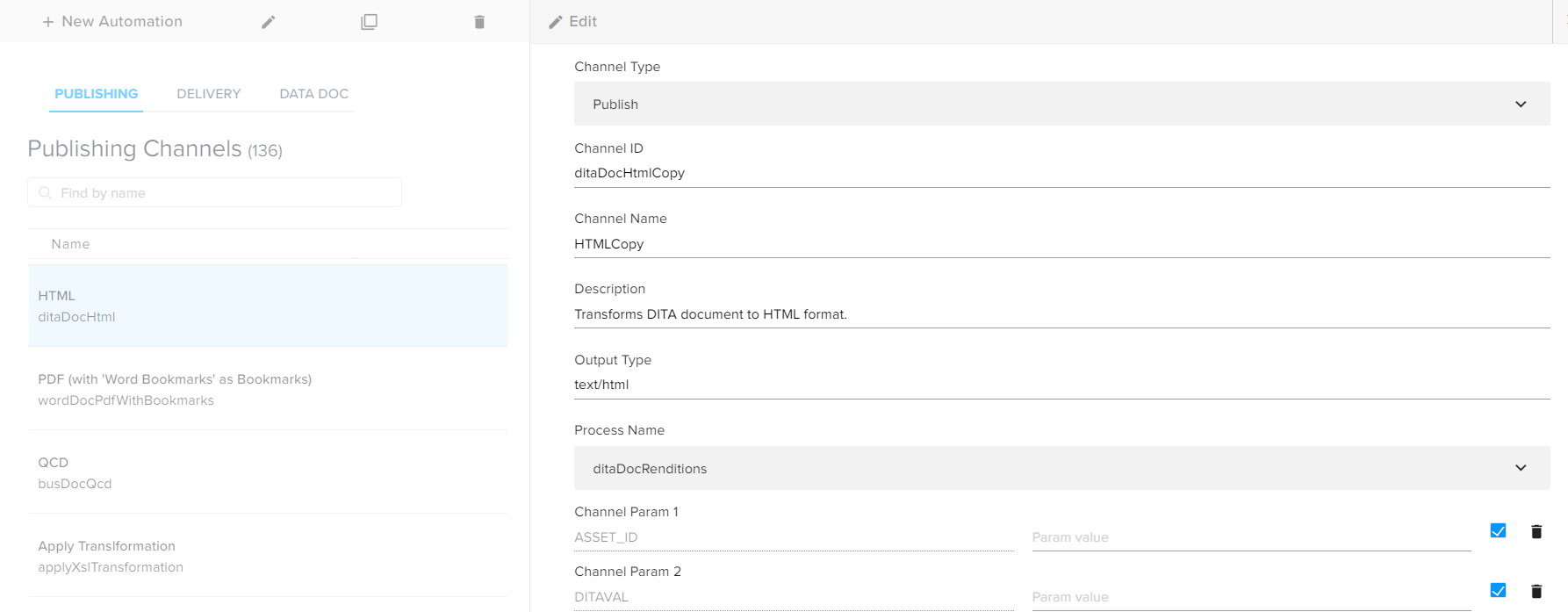
- Select the existing publishing channel that the user wants to duplicate.
- In the top bar actions, select the button Duplicate to open the "Duplicate Automation Channel" pane.
- Modify the following information, if required. 
- Select the button Save.
How to duplicate an existing Automation Channel
To duplicate an existing Automation Channel, follow below steps:
Priyanka Bhotika
Comments