Please follow the below steps:
1. Login to QPP NextGen Admin portal
2. Go to People section
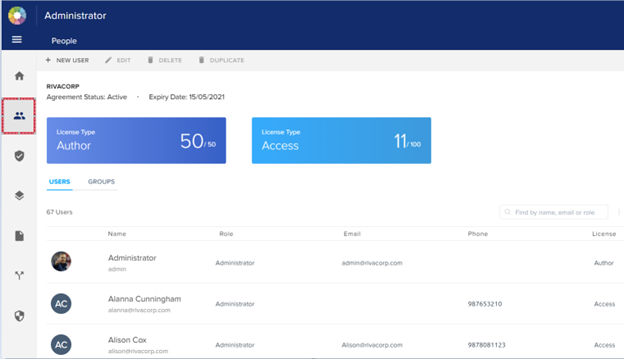
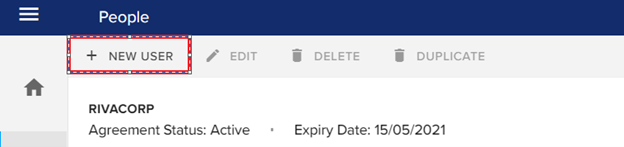
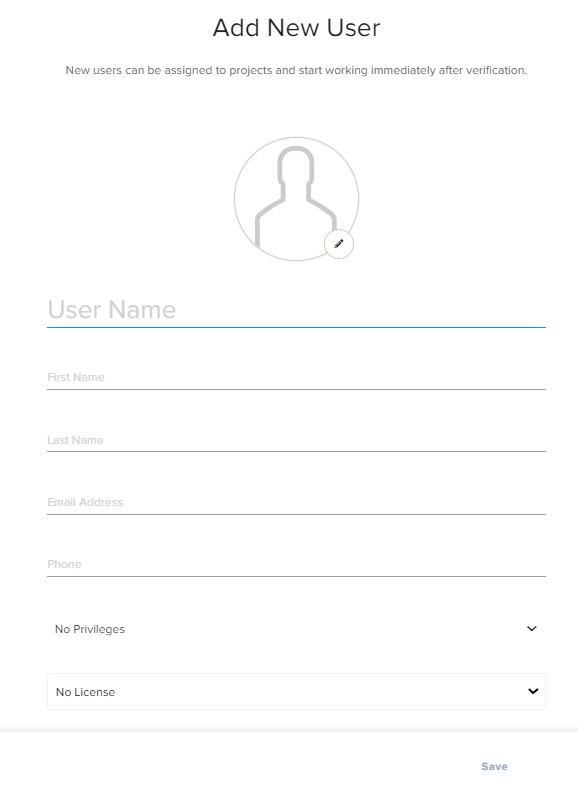
3. For new user click on NEW USER option and then fill the following details.
Username, First name, last name, email address & phone.
Also you give privileges and select the license type.
4. In order to edit a user details, select the particular user then click on EDIT option.

Priyanka Bhotika
Comments